Weekly Topics & Learning Guide

(Second Semester)

Week 1 – Course Orientation & Introduction to Multimedia
What multimedia design is and where it is used
Types of media: text, graphics, audio, video, animation, interactivity
Course structure, tools, requirements, and digital ethics
How to use learning platforms and submit files properly
Week 2 – Design Thinking & Visual Communication
How design shares ideas, feelings, and information
The design thinking steps: understand, define, imagine, create, and test
How layout, colors, and images affect how people see and feel about a design
Week 3 – Multimedia Design Applications
Where multimedia design is used, such as in games, films, ads, and online media
Considering screen size, file format, and audience when designing
Creating real-world outputs like posters, UI mockups, and video titles
Week 4 – Principles of Design I (Hierarchy, Contrast, Balance, Alignment)
Basic rules for organizing visual elements
How to lead the viewer’s eyes using visual importance
How contrast makes text and images easier to see and read
How to make layouts look balanced and properly lined up
Week 5 – Principles of Design II (Consistency, Unity, Emphasis, Rhythm)
How to keep a consistent look in all designs
How repeating elements makes a design feel connected
How to make important parts stand out
How visual patterns create flow and movement
Week 6 – Color Theory & Typography
Color models, harmony, and color psychology
How to choose colors based on mood, meaning, and audience
Typography rules for readability and visual hierarchy
Designing text-heavy layouts such as posters, UI, and magazines
Week 7 – Layering & Digital Composition
Non-destructive editing and proper layer management
Foreground, midground, and background composition
Masking, blending modes, and transparency
Preparing layered files for animation and reuse
Week 8 – Final Project Presentation & Submission
How to present design concepts and drafts clearly
How to explain design choices using proper design terminology
How to compile, package, and submit a complete multimedia project
Week 9 – Midterm Examination
All concepts and skills covered from Weeks 1 to 7
Understanding of multimedia principles and design foundations
Ability to analyze and explain basic design decisions
Week 10 to 11 – Motion & Audio-Visual Storytelling
Animating graphics and using smooth visual transitions
Creating simple videos and stop-motion animations
Recording, editing, and matching sound with visuals
Week 12 – Animation Fundamentals
Understanding timing, spacing, and natural movement in animation
Using frame-by-frame and cut-out animation methods
Making looping animations and exporting them in the correct file formats
Week 13 – Drafting, Concept Development & Prototyping
Purpose of sketches, wireframes, mockups, storyboards, and prototypes
Differences between low-fidelity and high-fidelity prototypes
How early visualization improves planning and design quality
Week 14 – Game Pre-Production & Design Documents (GDD / TDD)
Why planning is important before starting game development
Main parts of a Game Design Document: story, characters, gameplay, and art style
Main parts of a Technical Design Document: tools, platform, assets, and screen flow
Week 15 – Character & Enemy Design for Games
The purpose of characters and enemies in gameplay and story
The difference between concept art and in-game sprites
Creating basic animations for characters and enemies
Week 16 – Environment & Interface Design
Designing game backgrounds and simple level layouts
Using foreground, midground, and background layers in scenes
Creating basic UI layouts for menus and HUDs
Week 17 – Game Prototype & Visual Presentation
What a game prototype is and its purpose
Putting visual assets together into a simple playable or viewable mockup
Clearly presenting game flow, visuals, and design choices
Week 18 – Final Examination
Overall mastery of multimedia design principles
Ability to apply design concepts to practical outputs
Understanding of the full multimedia production workflow
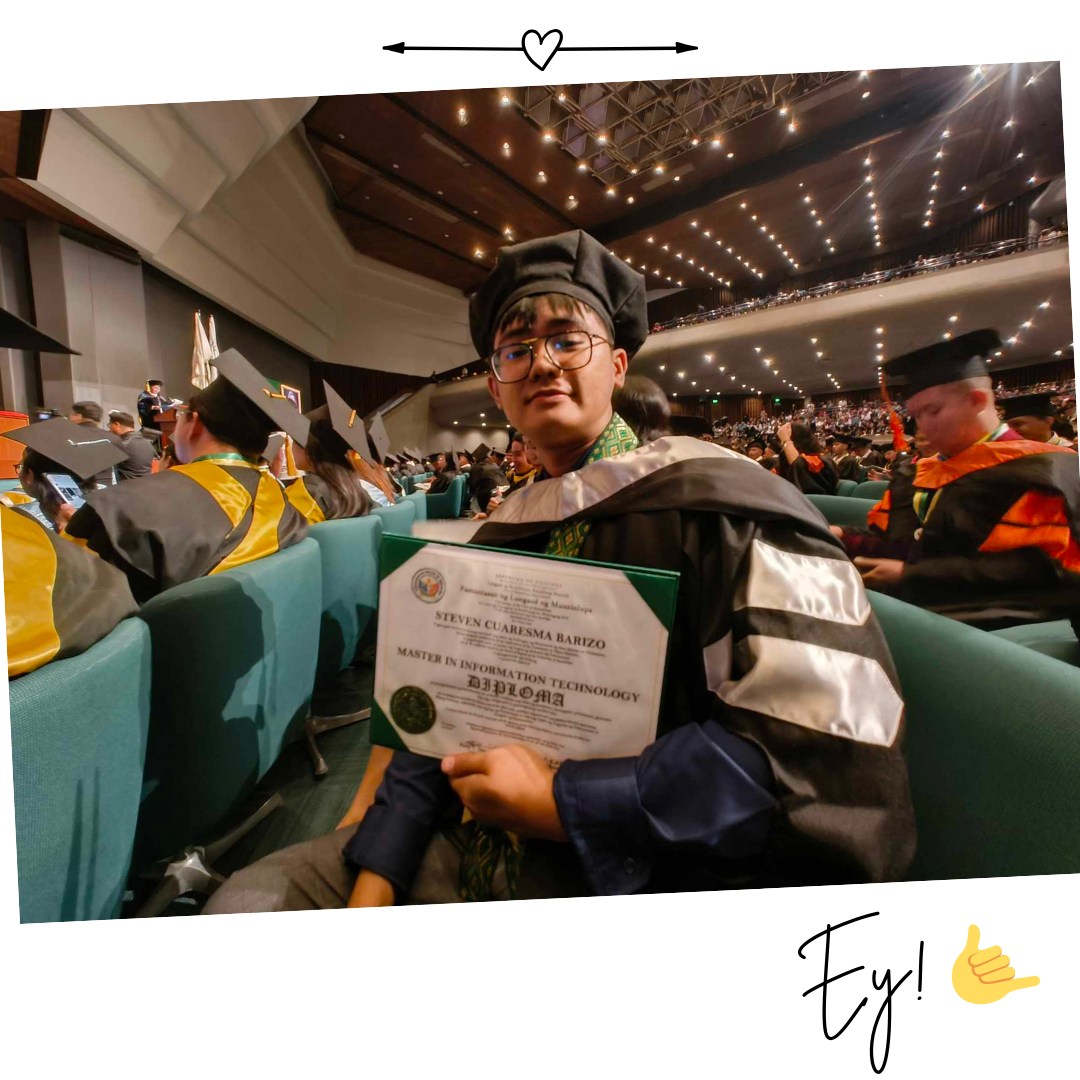
Hello Class! I am your Course Instructor for Multimedia Design
Steven Barizo, MIT
Master of Science in Information Technology
College of Information Technology and Computer Studies

Classroom Policies & Code of Conduct

Continuous participation in Google Classroom and University LMS until final grades
Only officially enrolled students in the PLMUN Portal can receive grades
Leaving or disabling LMS access may result in dropping or no academic credit
Students must follow the University Code of Conduct in all settings
Respectful, professional communication is required at all times
Misconduct or academic dishonesty may be referred to the Guidance Office
Students must read instructions, rubrics, and announcements before asking questions
Respectful Behavior at All Times
Active Attendance and Participation (Chat and Emojis Allowed)
No Sarcasm, Bastos, or Disrespectful Remarks
No Open Yawning While Someone Is Speaking
Strict Deadlines – No Extensions
No “No Computer” Excuse
Submit Work Even If Not Perfect
Respect & Professionalism – 100%
Participation & Engagement – 100%
Discipline & Responsibility – 95%
Effort & Consistency – 95%
Creativity & Willingness to Learn – 90%
Perfection in Output – 60% (Character Matters More)